Mapping
Hazard and Asset Mapping
Asset and hazard mapping lets you create a visual representation of resources and challenges within your fire territory.
Adding Assets & Hazards to the FireQ Map
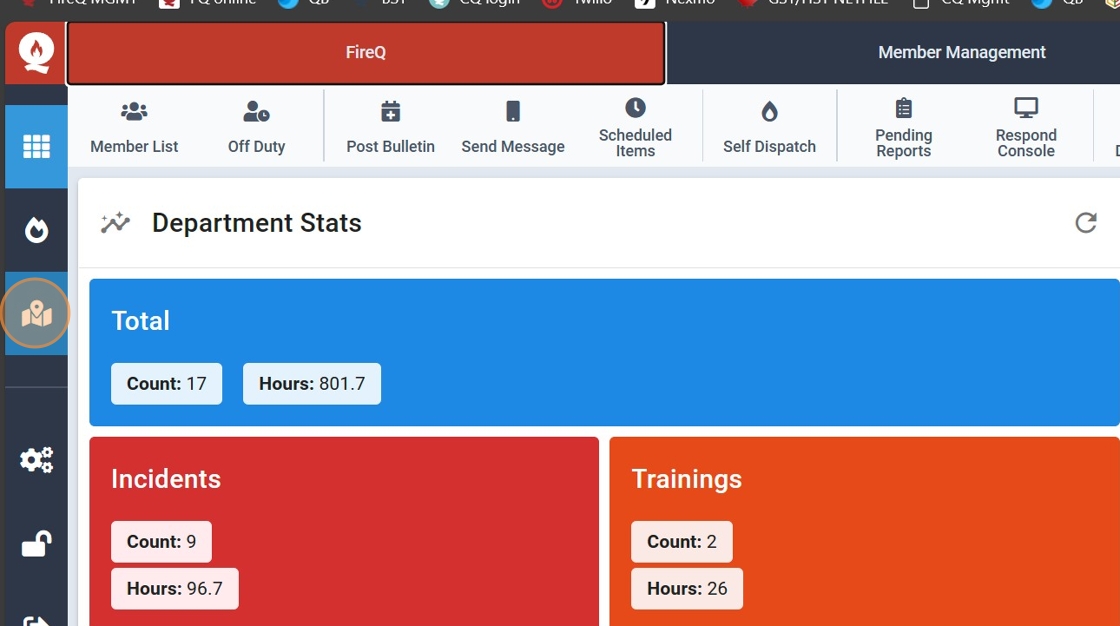
1. Click the map icon located on the left side vertical toolbar.
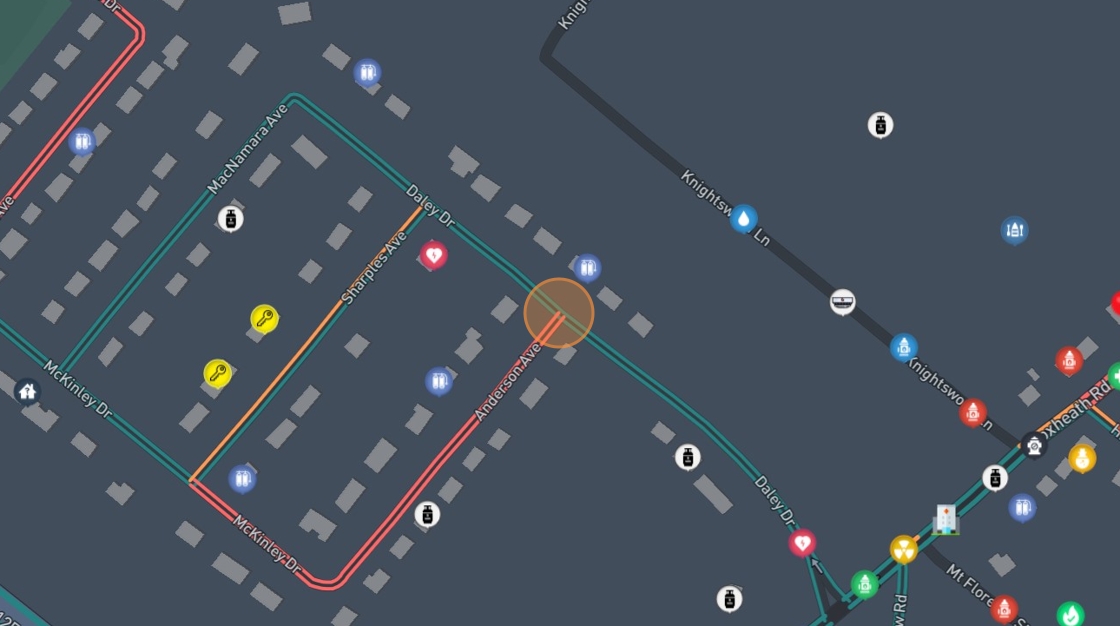
2. Find the location of the asset on the map and double click.
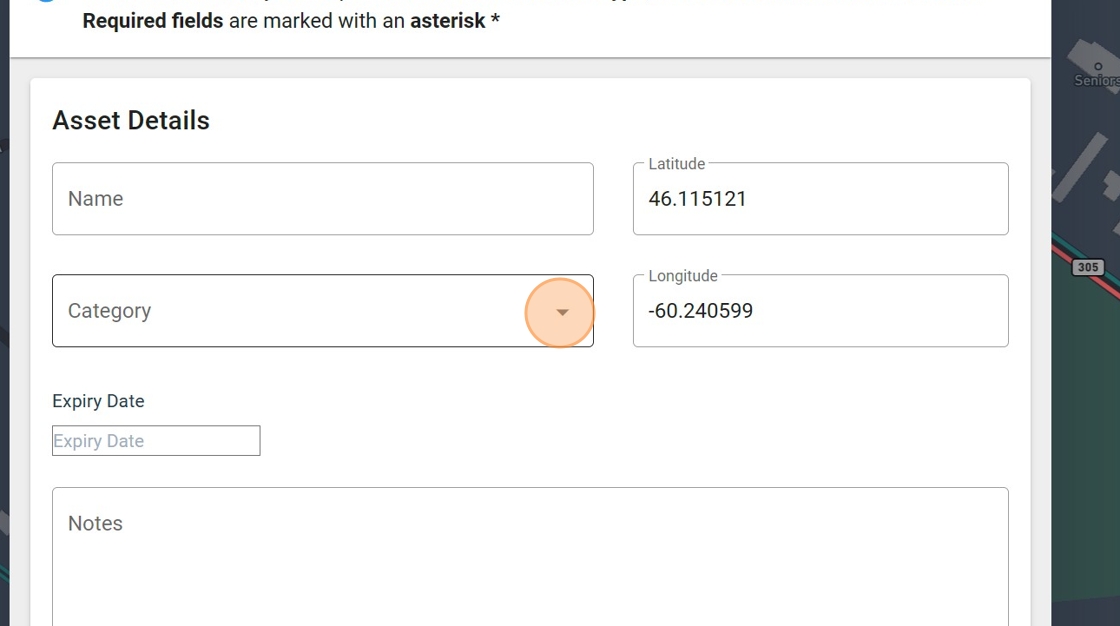
3. The "Add Map Asset" window opens with the coordinates of the asset already populated.
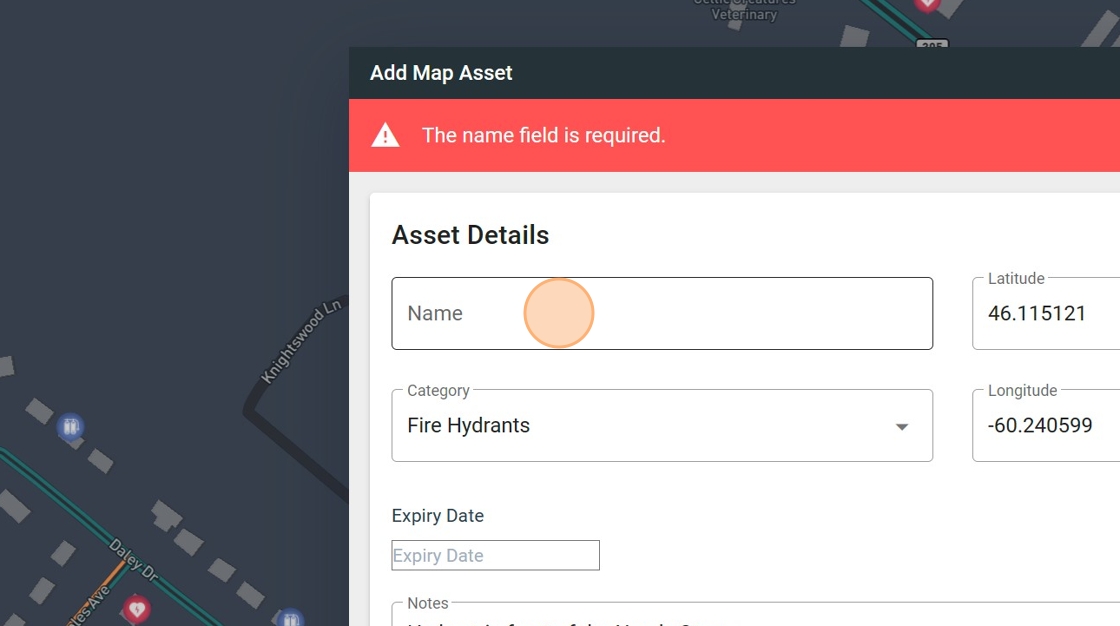
4. Give the asset a name.
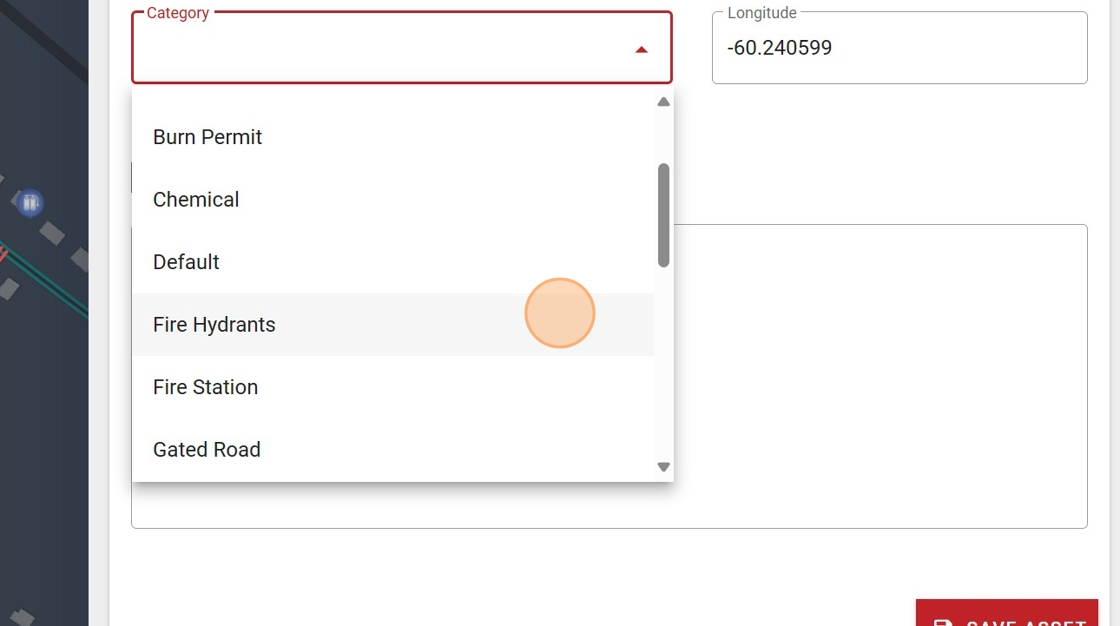
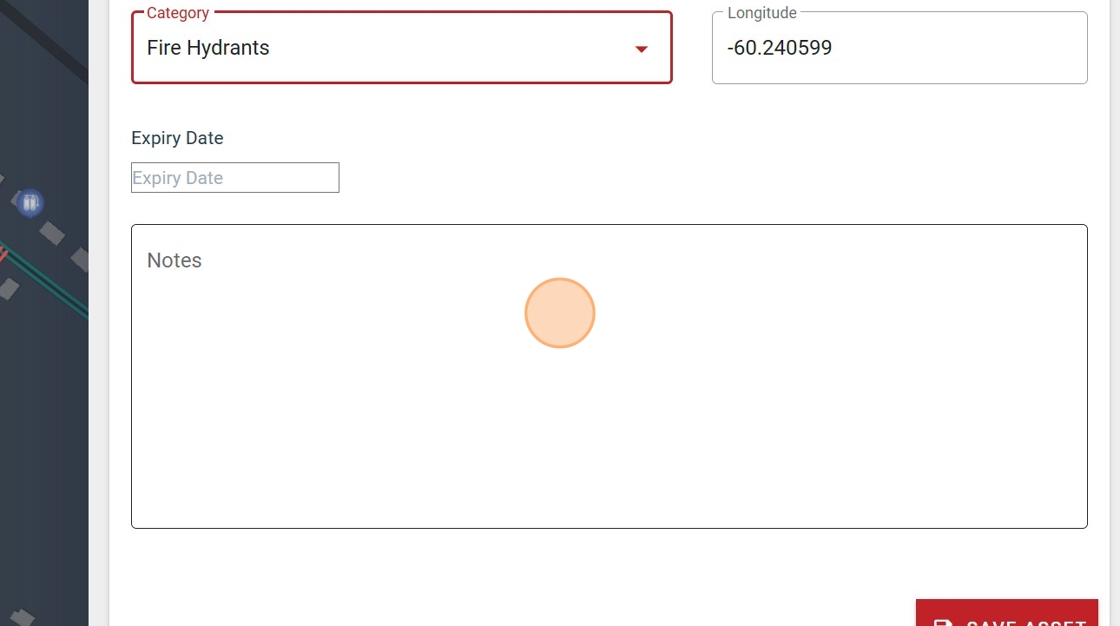
5. Select the appropriate category from the drop-down menu.
6. Enter any additional notes.
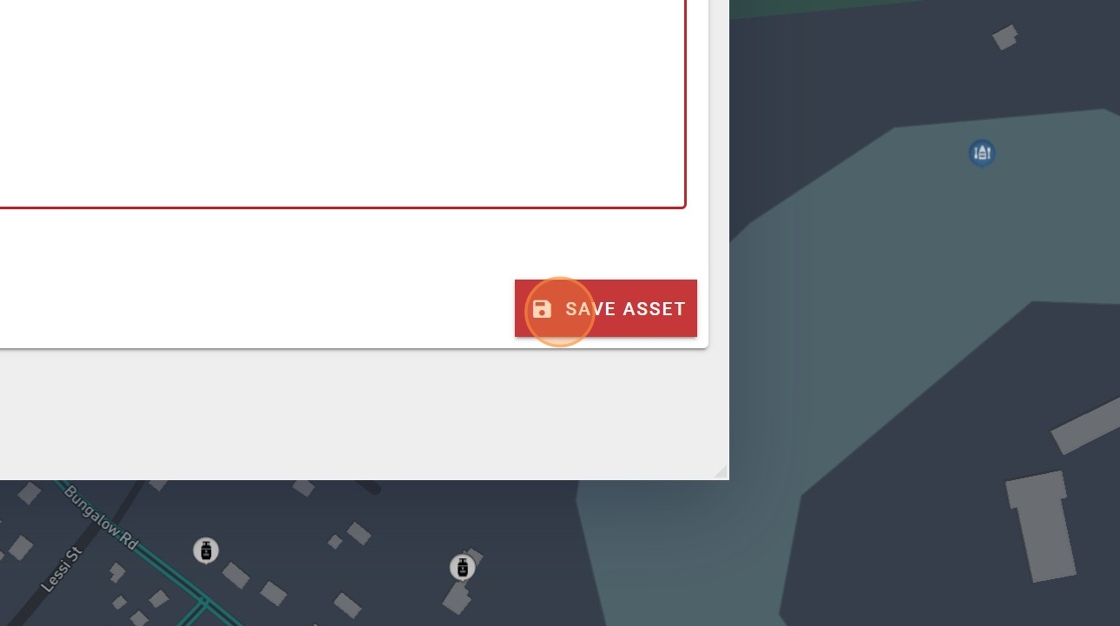
7. Click "SAVE ASSET"
Tip: Assets created in the FireQ software are visible to firefighters in the FireQ app.