FireQ App Set-up
Accepting the FireQ Invitation
To use the FireQ app from your fire department, you must be invited by the administrator of the FireQ system. To accept the email FireQ invitation and using your smartphone, open the email with the subject "FireQ Invitation".
Click the ACCEPT button.
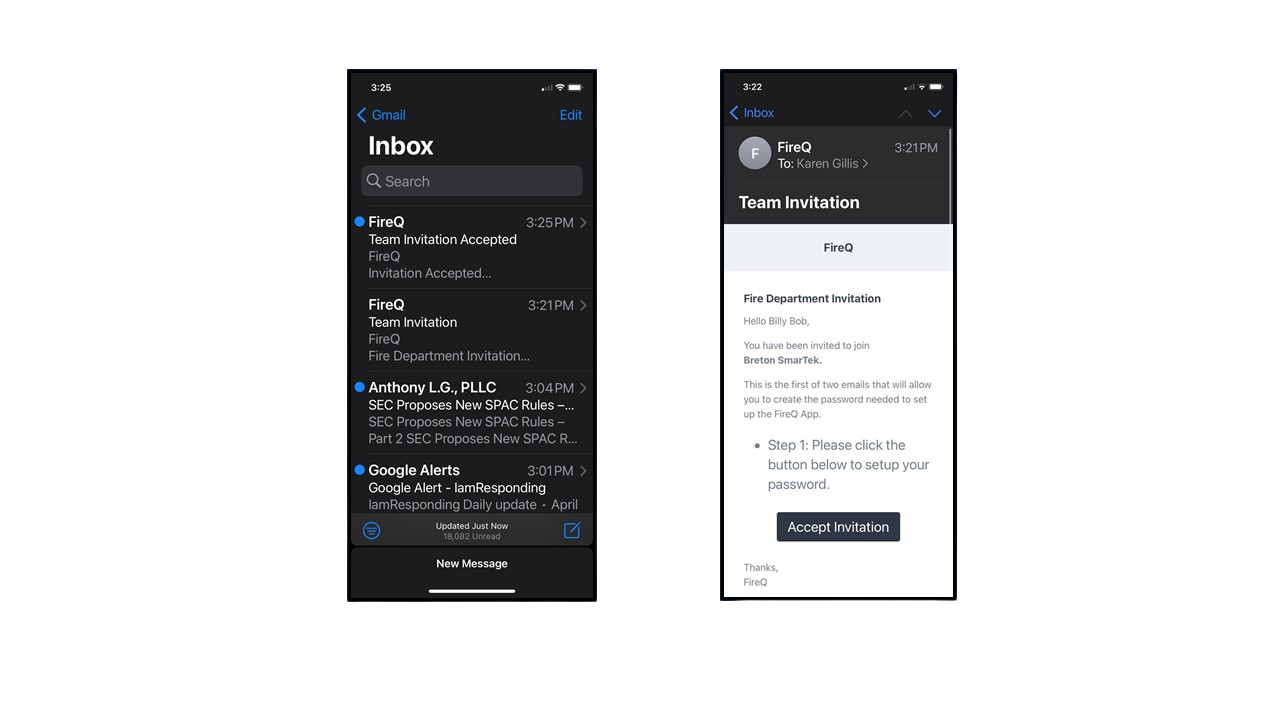
FireQ App Email Invitation
Create a profile with an email login and password.
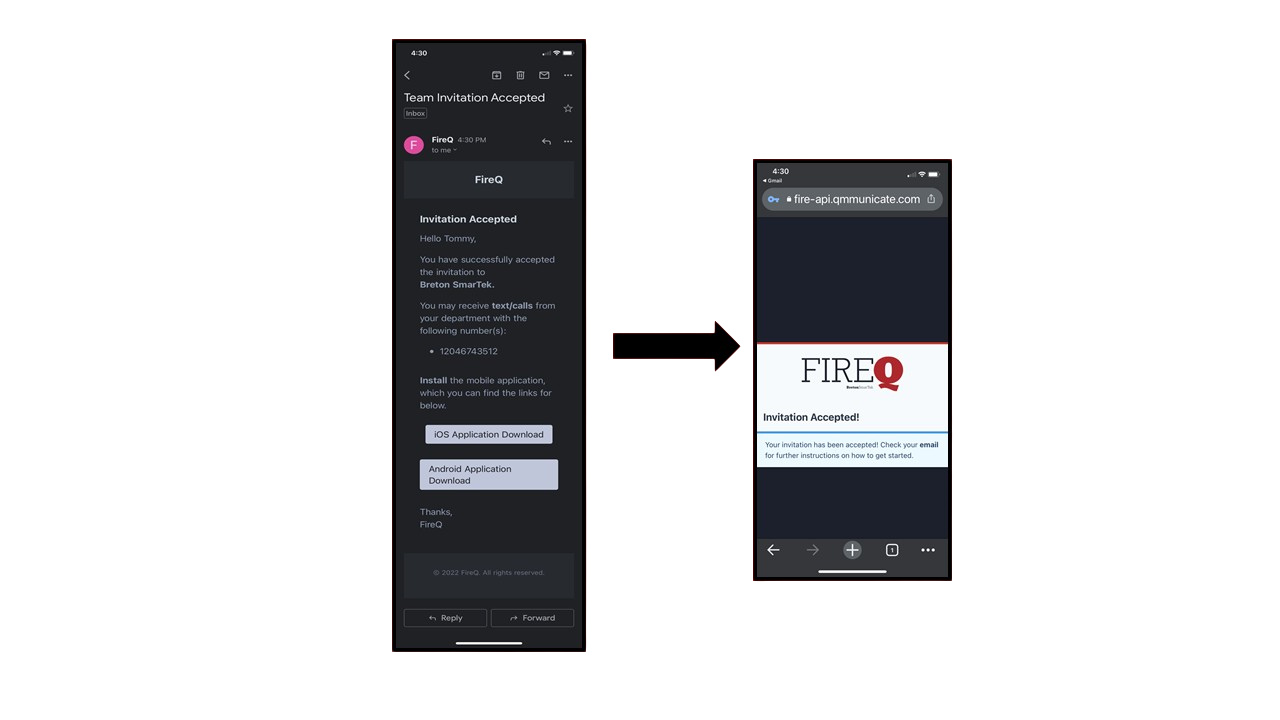
FireQ App Invitation Accepted
Click the appropriate link for your phone type to be routed to appropriate app store and tap to install.
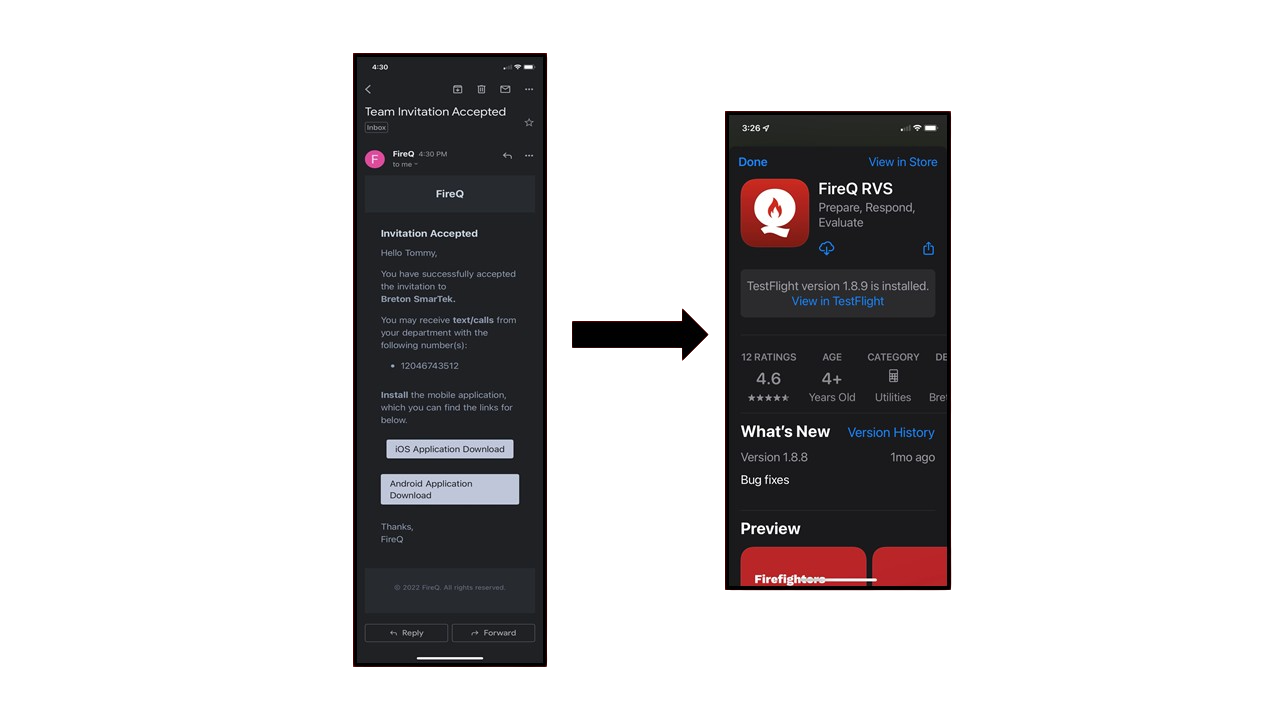
FireQ App Store View
Logging in to the FireQ App
Enter your login email and password.
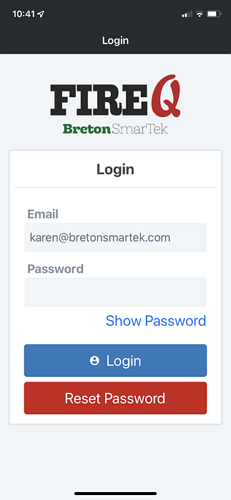
FireQ App Login Screen
FireQ App Set-up for Firefighters Serving in Multiple Departments
Firefighters who serve in more than one fire department can use the FireQ app to respond to each department. When you are an active member of more than one fire department, you will receive an invite for each department you serve. Use the same email and password for each department you set up.
The FIREQ departments of which you are a member will appear in a list. When you have multiple departments profiles installed, when you open the app, you will be asked to select the appropriate department. The app will open to the last department selected.
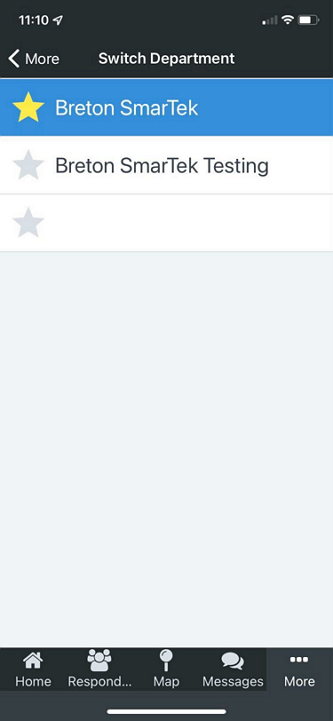
FireQ Multiple Incident
How to Change the Department
To change the department to which you are responding, navigate to the SETTINGS tab of your app.

FireQ App Navigation Bar
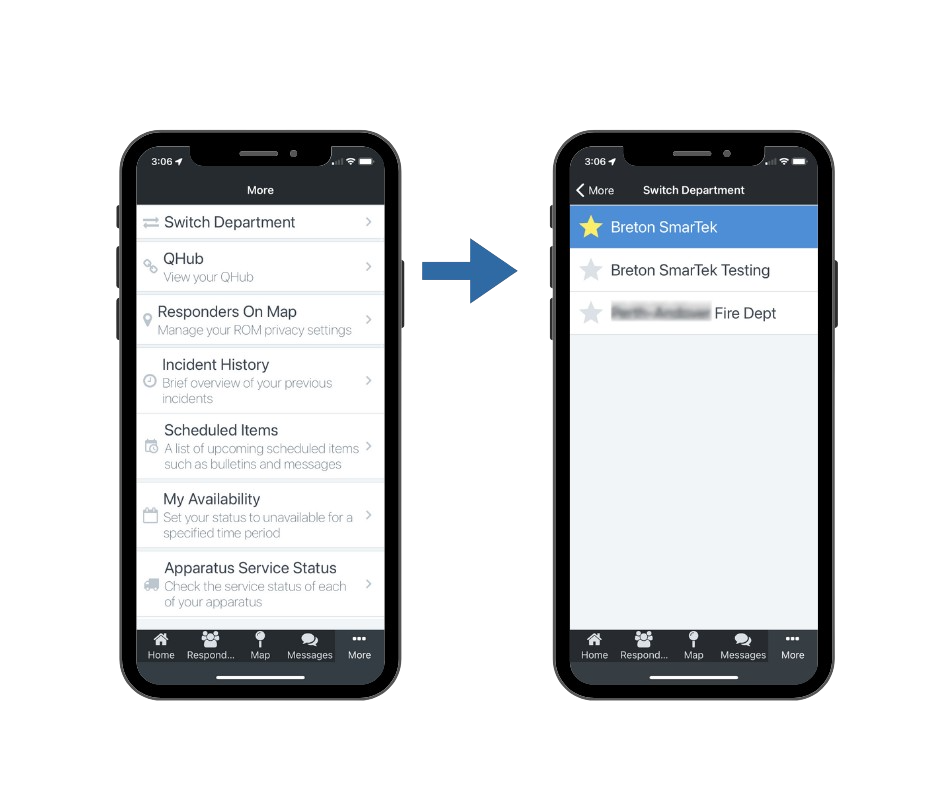
Tap the SWITCH SETTINGS option and select the desired department from the list.