Incident Management
FireQ helps manage all aspects of an emergency incident from dispatch to reporting.
Accessing the FireQ Incident Log
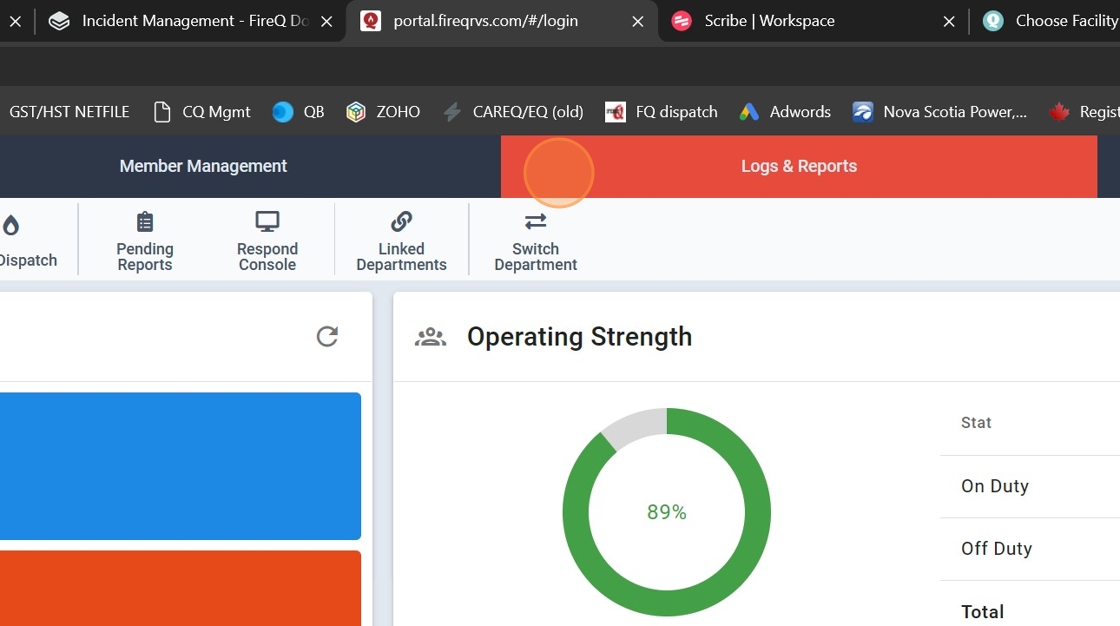
1. Click "Logs & Reports" tab.
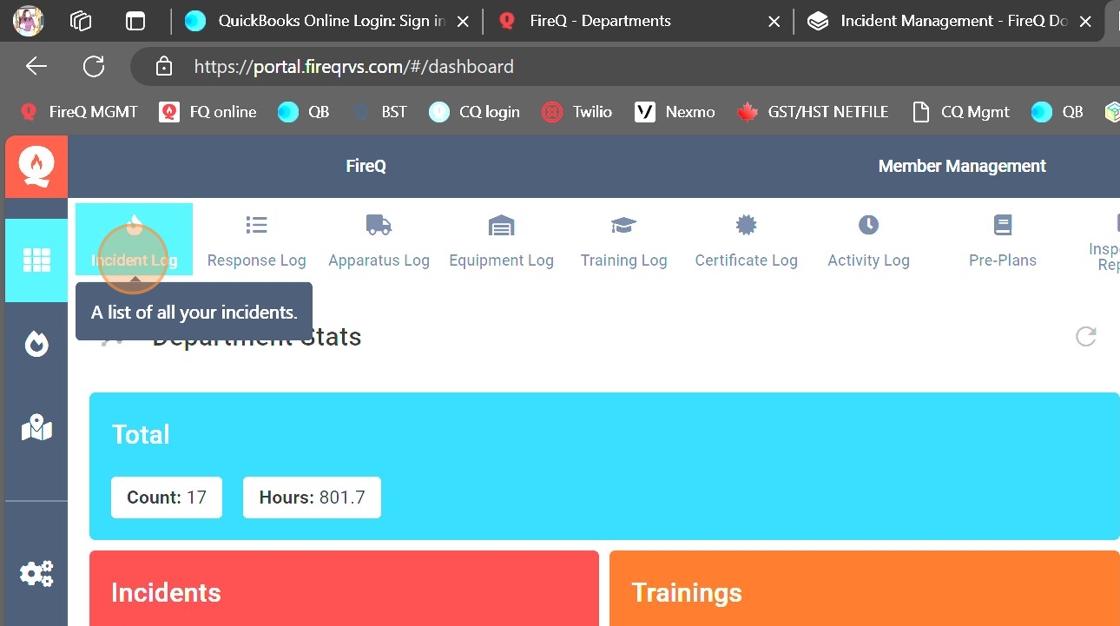
2. Click the INCIDENT LOG button.
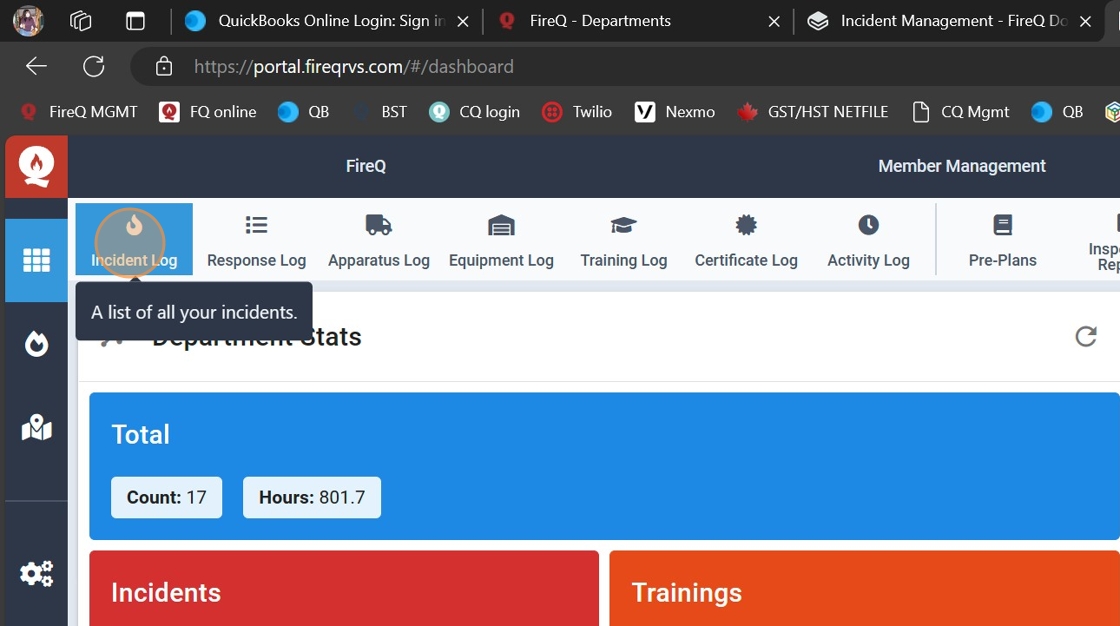
FireQ Incident Log Button
Completing a FireQ Incident Report
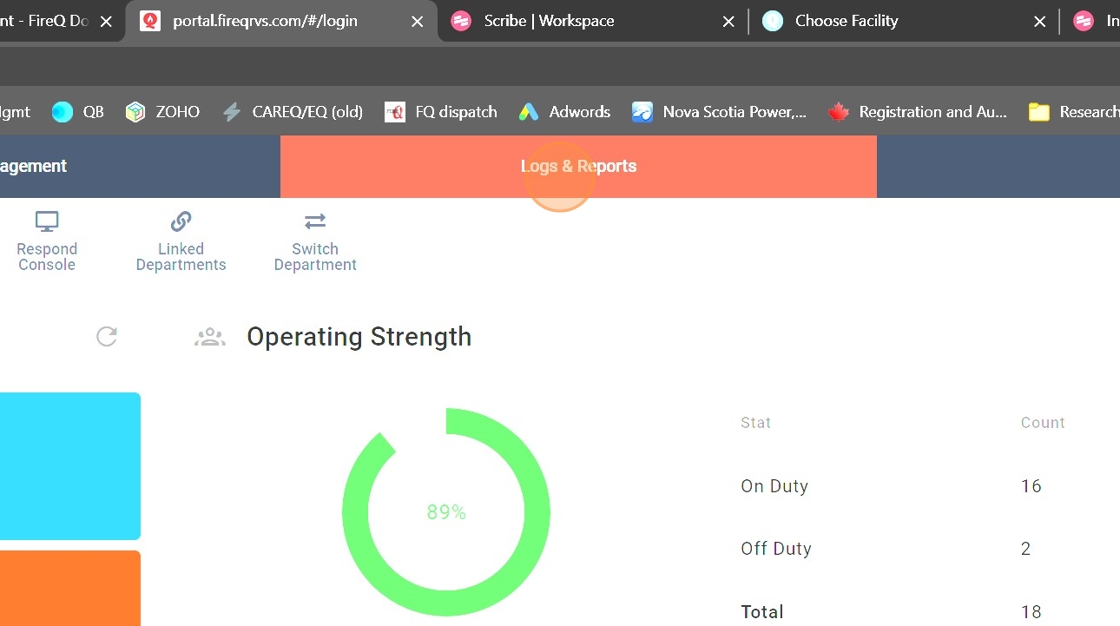
1. Navigate to the "Logs & Reports" tab.
2. Click "Incident Log" button.
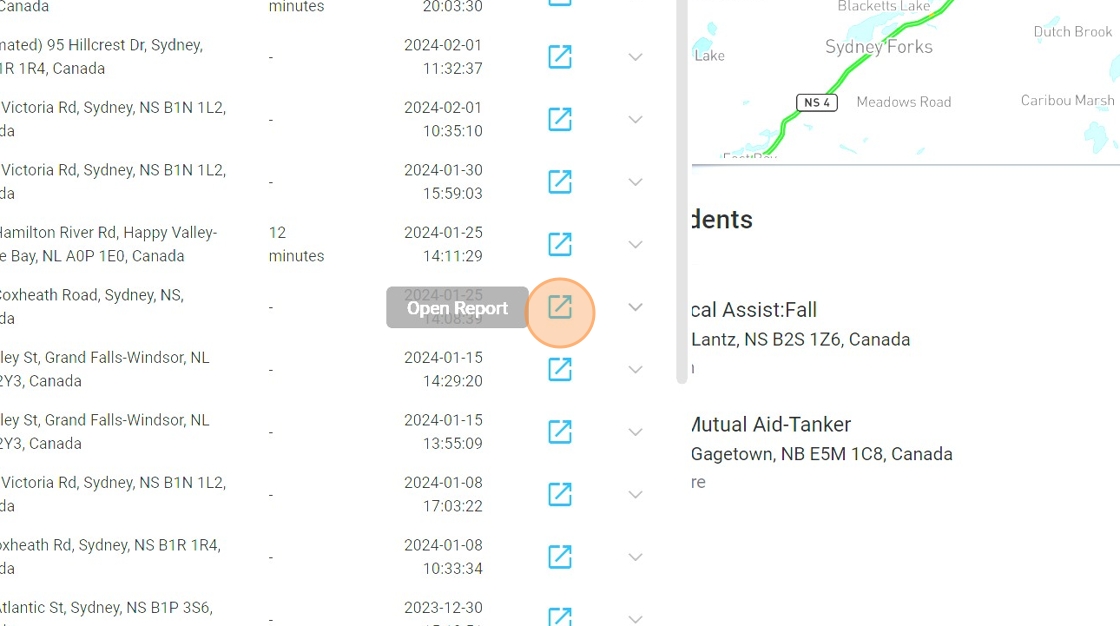
3. Select the report to be completed and click the EDIT button.
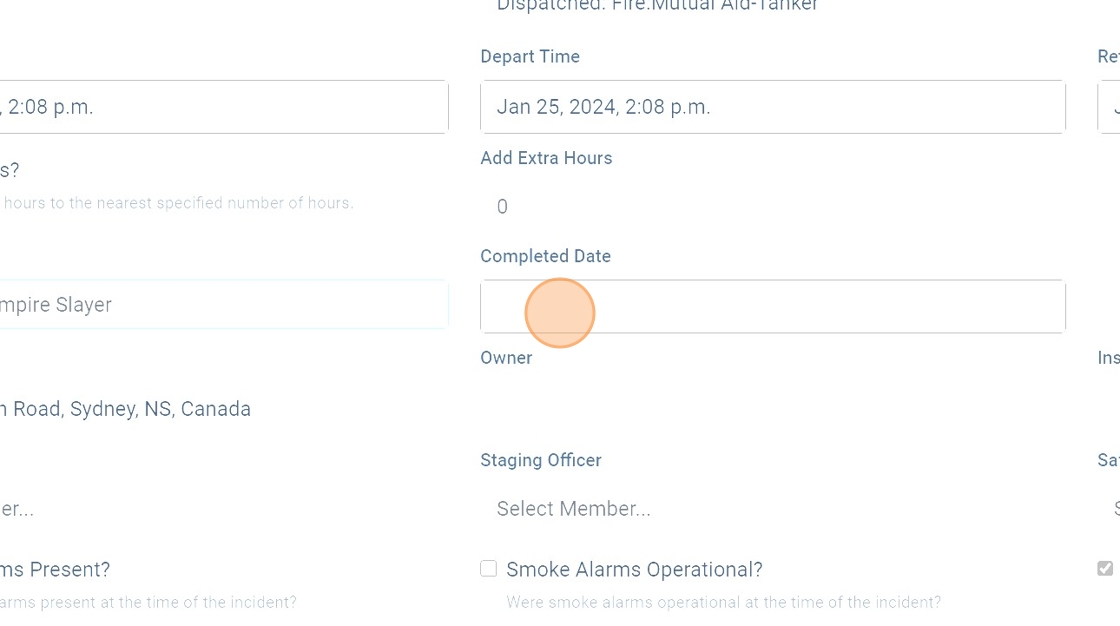
4. Enter the depart and return times.
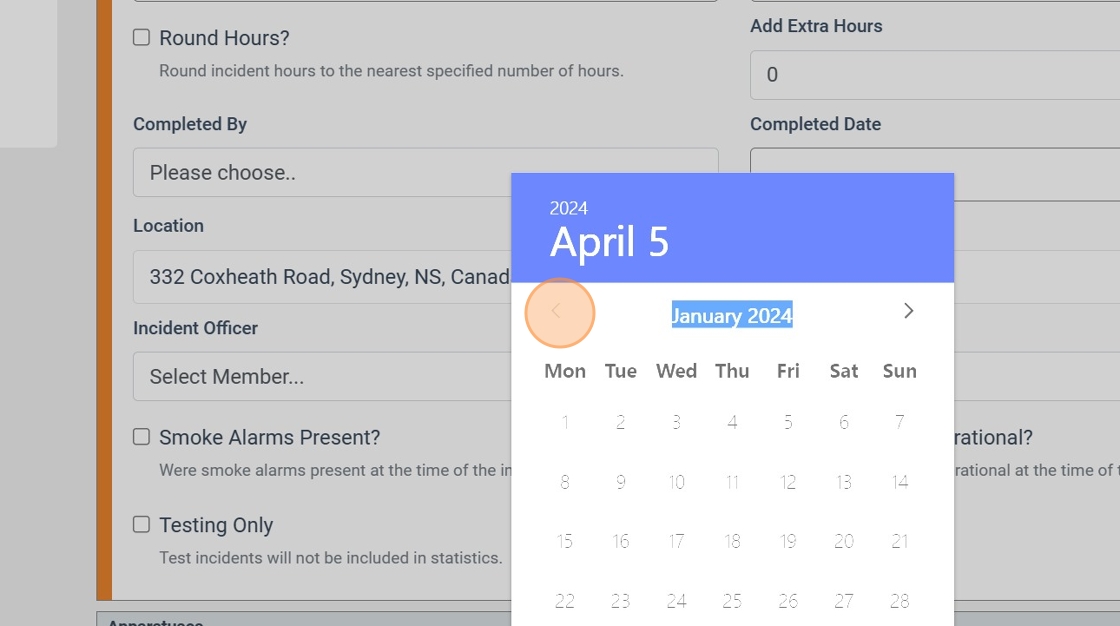
Tip: The DEPART and RETURN times are used to calculate the number of incident hours accumulated for each firefighter. Firefighters hours are visible under MEMBER STATISTICS.
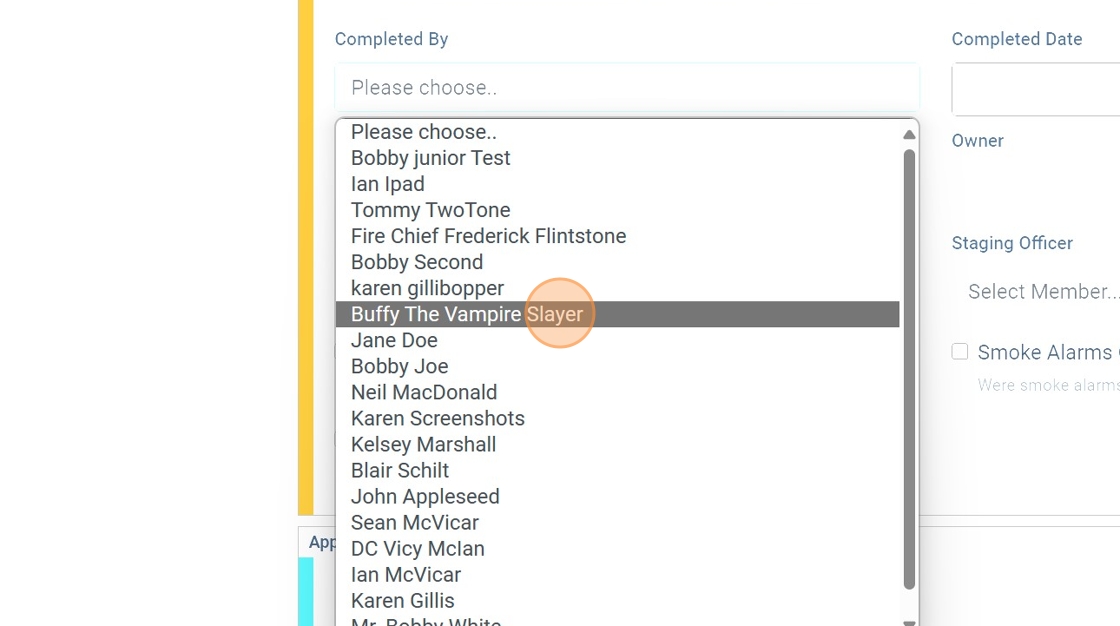
5. Use the drop-down menu to select the firefighter who completed the report.
6. Enter the date the report was completed.
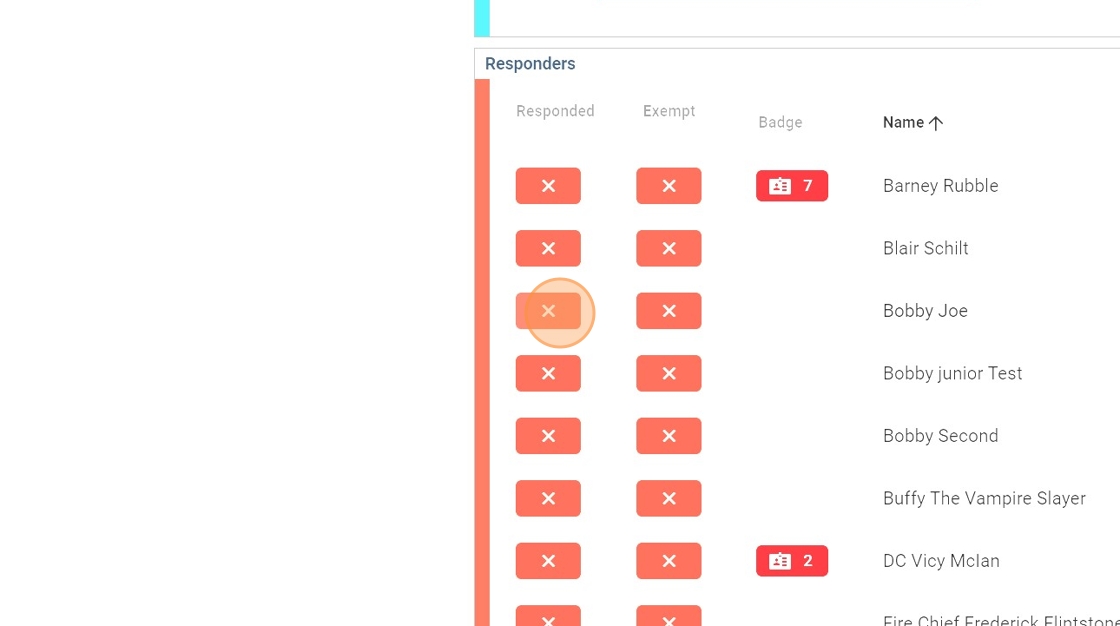
7. Add any firefighters who responded but did not use the FireQ app to signal their response.
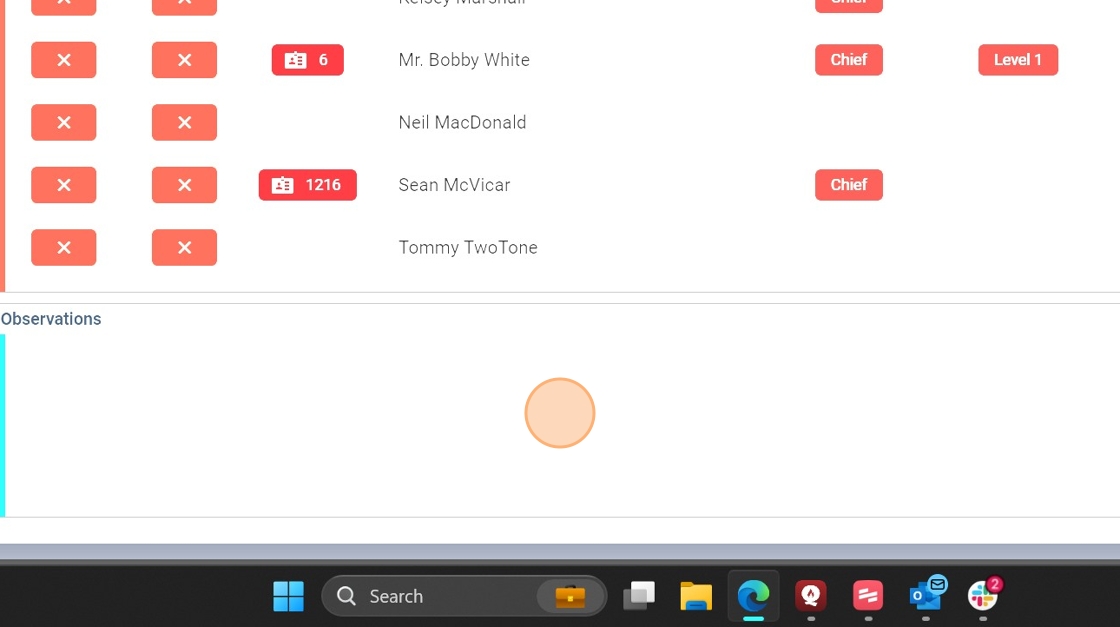
8. Enter any additional observations or incident notes.
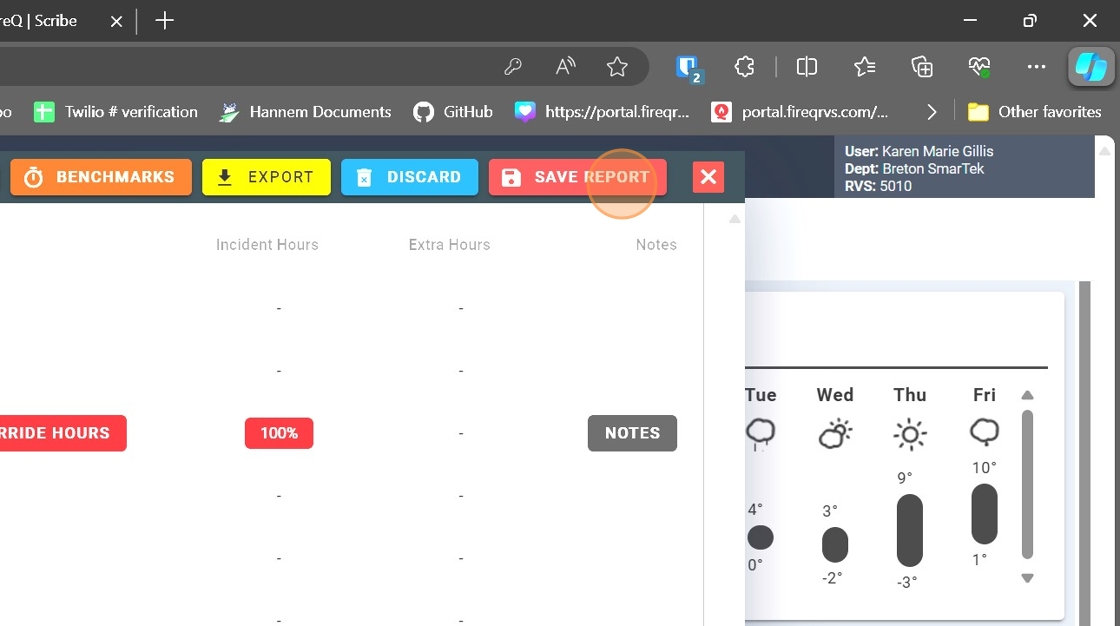
10. Click "SAVE REPORT".