Family Notifications
Firefighters can set up one family member to receive notifications each time they are dispatched to an emergency incident.
Setting up Family Notifications
To set up family notifications, navigate to the MEMBER MANAGEMENT and click the EDIT MEMBERS button.

FireQ member management navigation
Select the appropriate firefighter from the list and click the EDIT button. Enter the family member name, phone and email. Select the type of notification the family member would like to receive. The family member can receive a text and an email. Click the SAVE button.
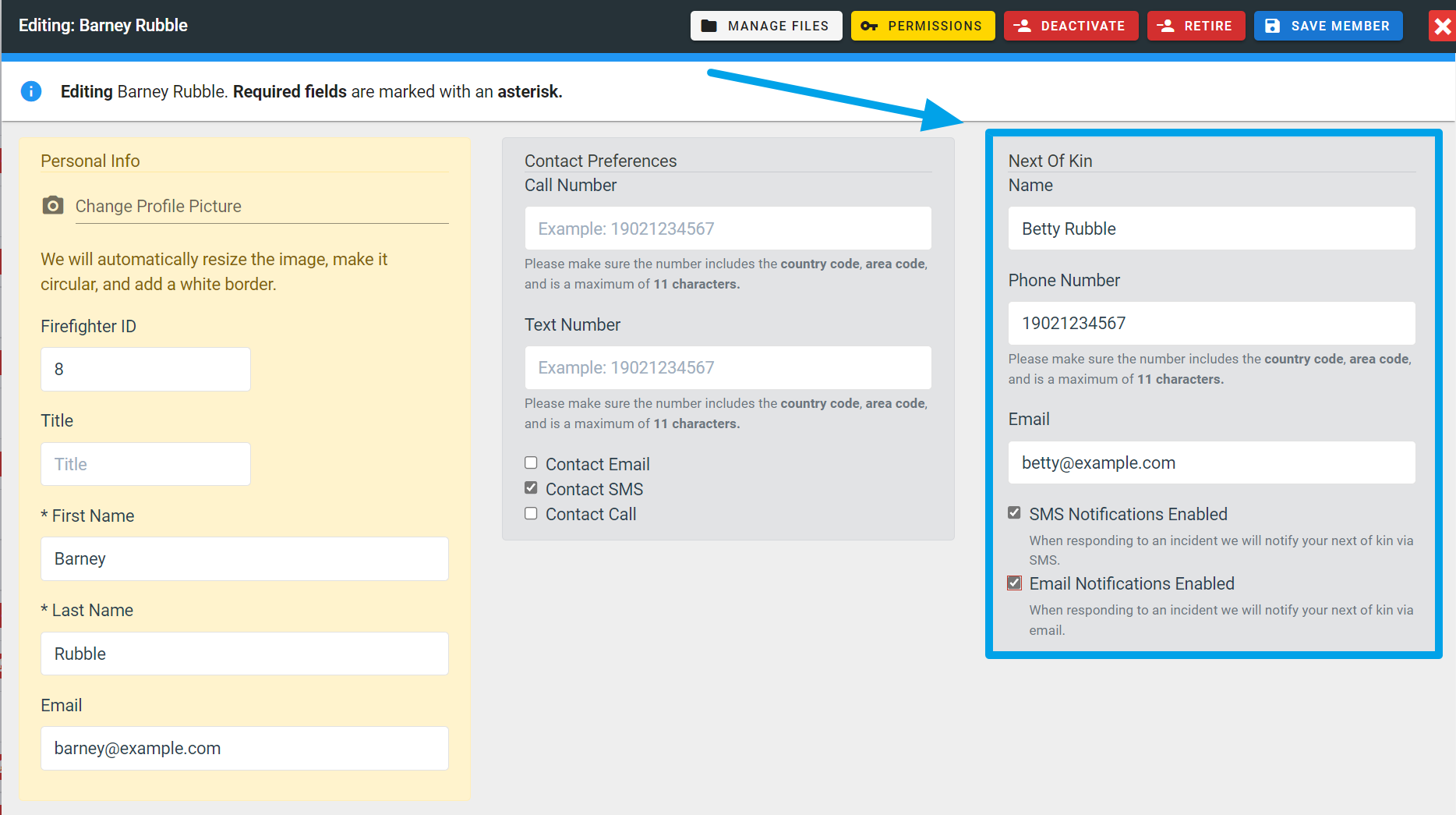
FireQ family notifications
It is important to note that family notifications are ONLY sent if the firefighter has used FireQ to signal his/her attempt to respond to the emergency.