Attaching Files to Training Logs
You can attach supplementary files to the training log. These things could include lesson plans, performance notes, and more.
To attach files to a specific training, find the specific training in the training list and click the EDIT button.
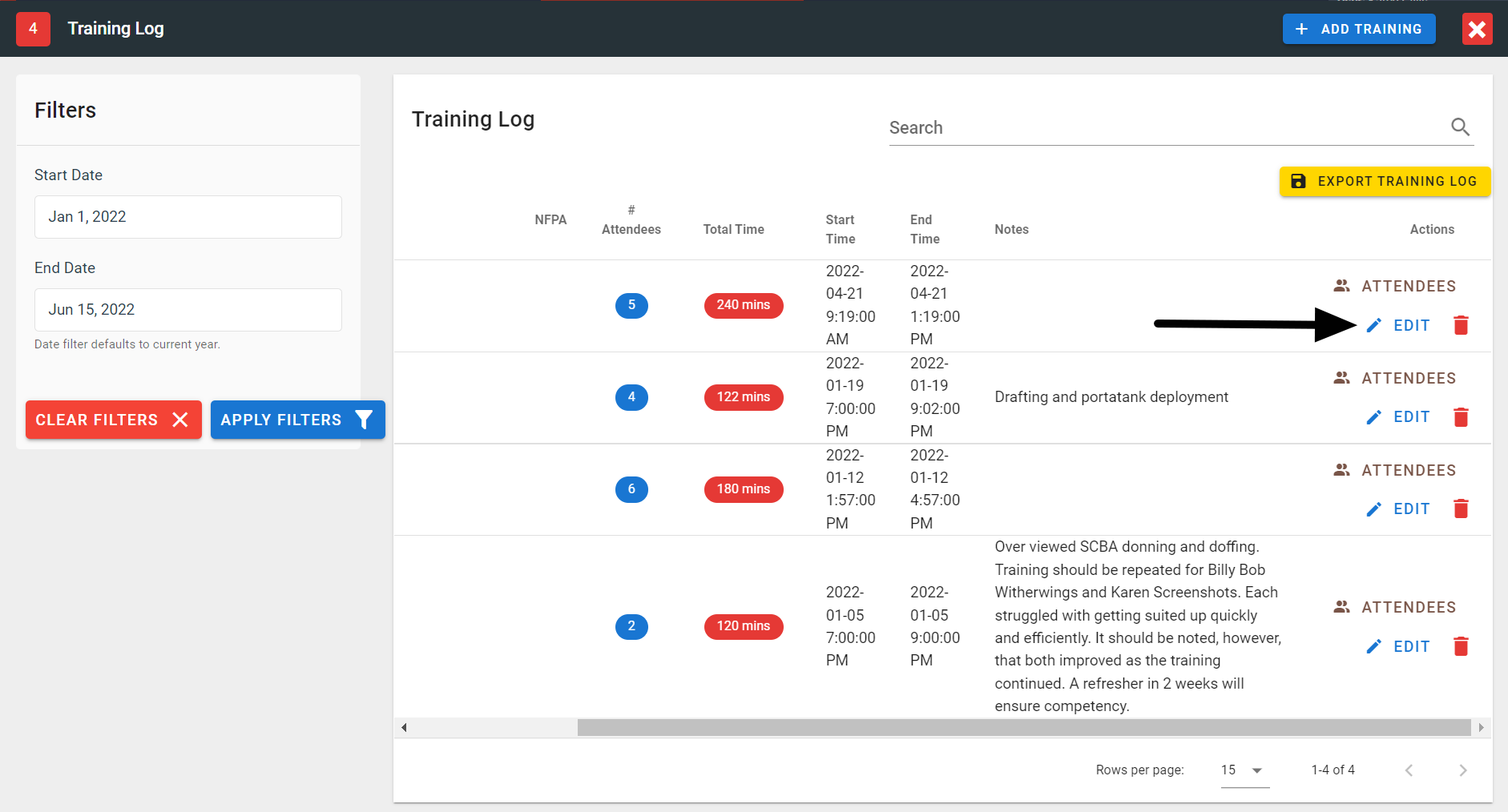
FireQ edit training
Click the MANAGE FILES button.
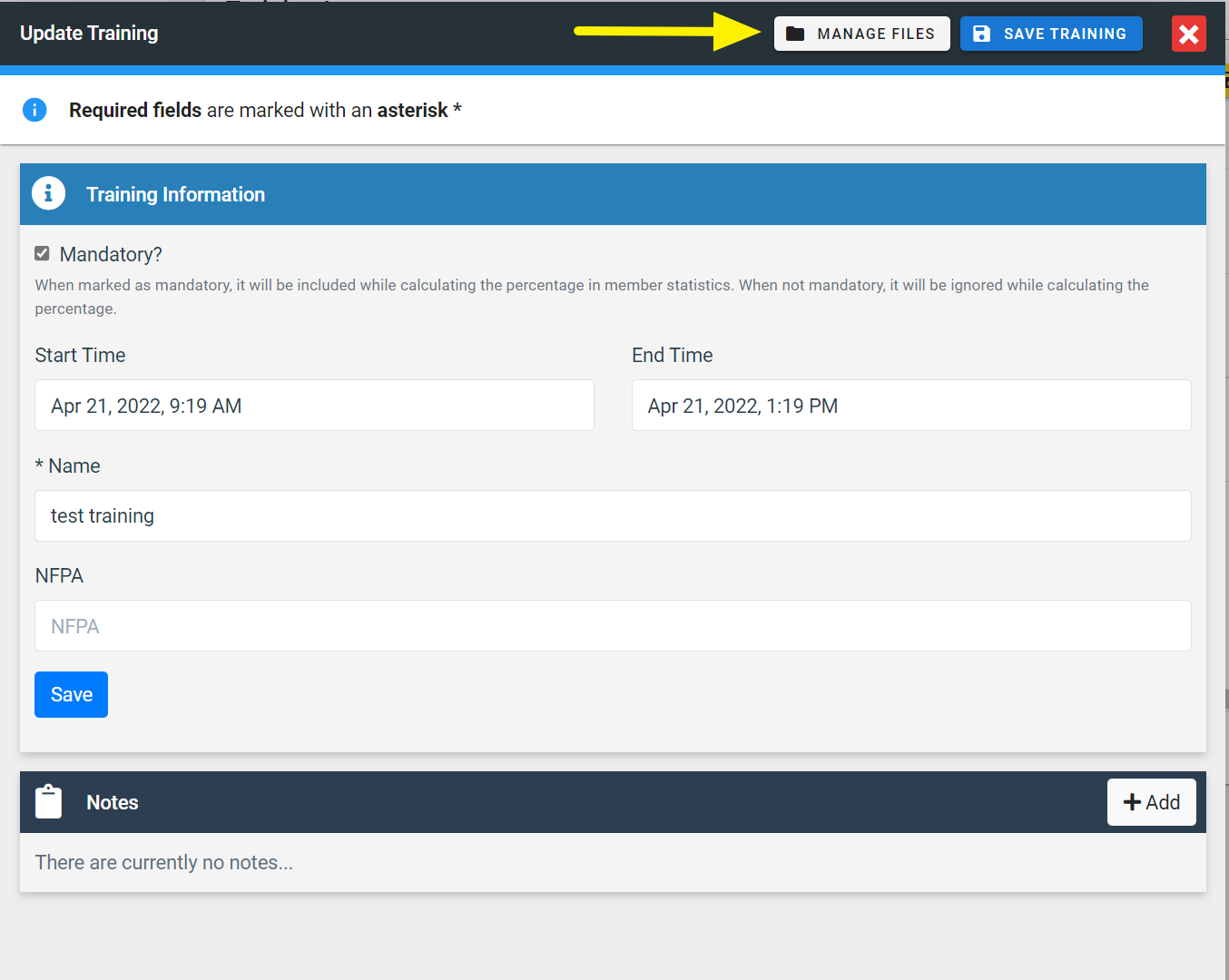
FireQ manage files button
You can drag and drop the files to the pink box to upload them. Or, you can click the pink box to find the file on your computer.
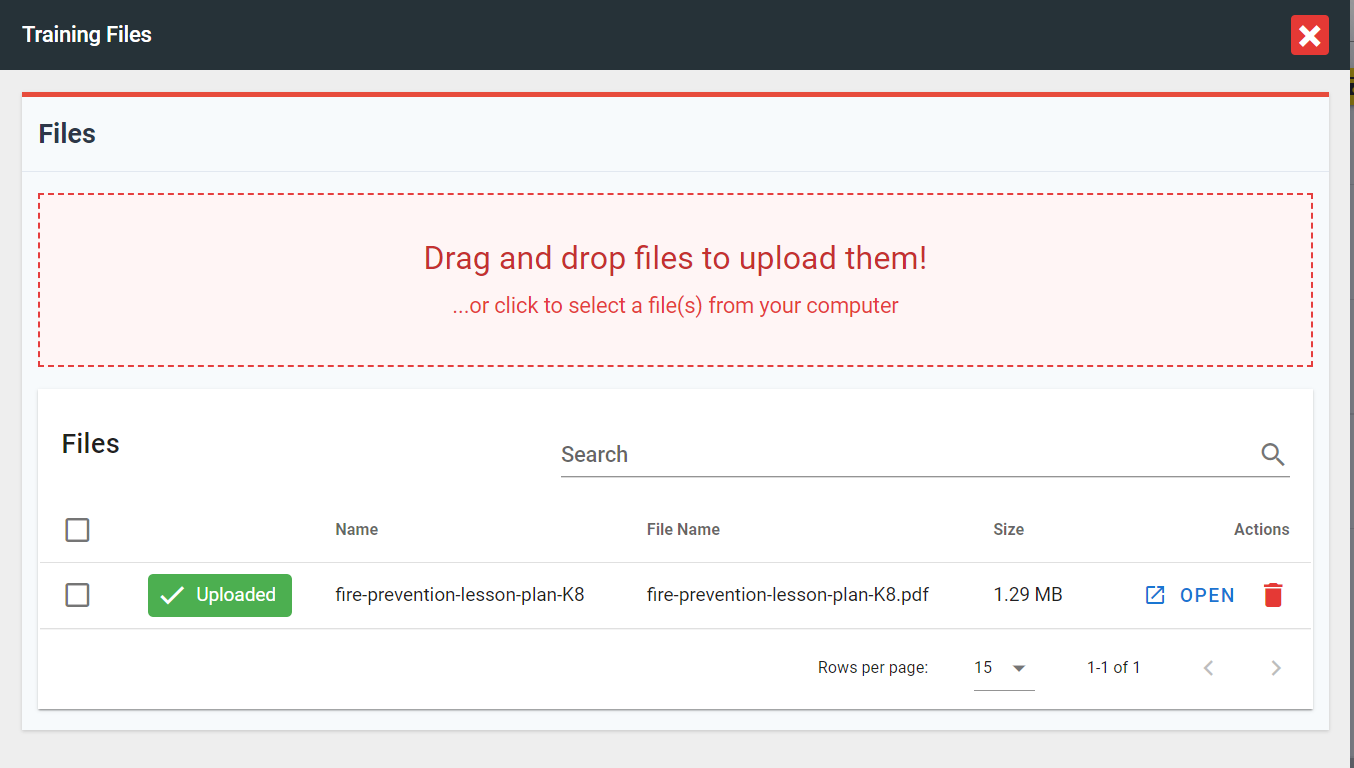
FireQ upload training files
Your annual FireQ subscription includes 1G of storage. Additional storage can be purchased if desired.